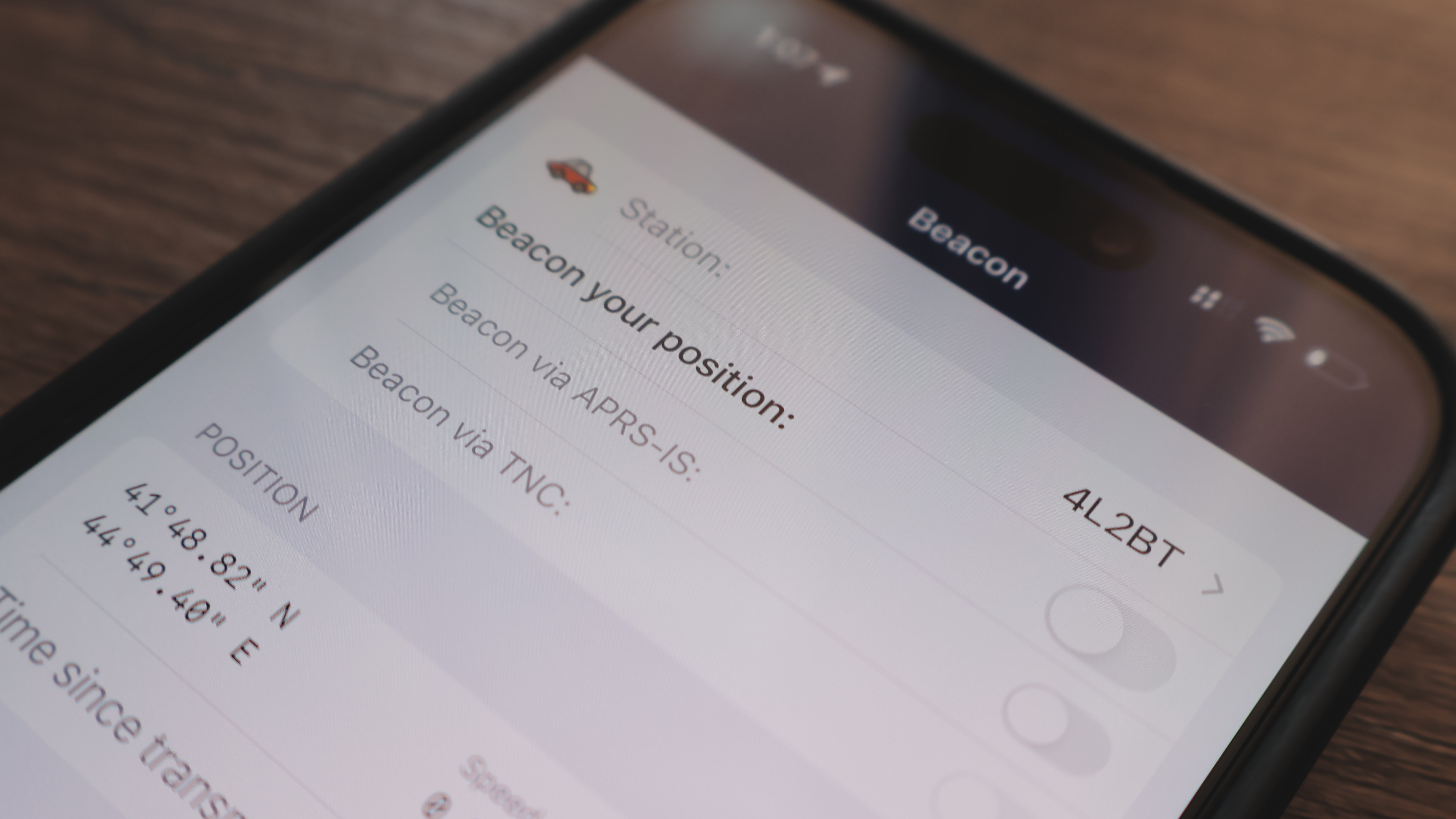
If you've spent any time around ham radio, you've probably seen a map somewhere covered in little dots showing where other operators are. That's usually APRS at work, and it's one of those systems that feels a bit like magic until you understand what's actually happening behind it.
APRS stands for Automatic Packet Reporting System. At its core, it's a way of sending small bits of data over radio, things like your location, short messages, or weather info, and having that data show up on maps and networks in near real time.
What APRS Actually Sends
APRS isn't voice. It's a digital mode built around short data packets. Each packet is small on purpose, since the goal is quick, efficient transmission rather than carrying a lot of information at once.
A typical APRS packet might include:
- Your callsign
- Your GPS position (latitude and longitude)
- A symbol showing what kind of station you are (car, home station, weather station, etc)
- Sometimes a short status message or comment
Because these packets are small, a lot of stations can share the same frequency without things getting too congested, at least in theory. In busy areas, APRS traffic can still get heavy, but the packet-based design helps keep things manageable.
Position Tracking
The most common use of APRS is tracking. A GPS-equipped radio or tracker grabs your current position and transmits it as a packet at set intervals.
That packet gets picked up by nearby stations and digipeaters, which we'll get to in a second, and eventually makes its way onto APRS maps online. This is how you can watch a hiker, a storm chaser, or a mobile station moving around in near real time.
A few things affect how tracking actually performs:
- How often your tracker transmits (too frequent and you clog the frequency, too infrequent and your position looks choppy)
- Your antenna and location, since APRS still relies on getting a signal out
- Whether there are digipeaters or other stations nearby to relay your packet
Tracking is popular for events like marathons, parades, and public service work, since it lets organizers see where support vehicles or operators are without needing a voice check-in every few minutes.
Digipeaters and How Packets Travel
A digipeater (short for digital repeater) is what makes APRS useful beyond just line of sight.
Instead of just retransmitting audio like a voice repeater does, a digipeater listens for APRS packets and retransmits the data itself. This lets your packet hop from your radio, to a digipeater, and then potentially further out, extending the range well beyond what your radio could reach on its own.
Some APRS packets are also picked up by an IGate, which is a station that bridges RF traffic onto the internet. Once a packet reaches an IGate, it gets sent into the wider APRS-IS network, which is how your position ends up visible on websites like aprs.fi even if you're nowhere near the person viewing it.
So a single packet might travel like this:
- Your radio transmits the packet
- A nearby digipeater picks it up and repeats it
- An IGate hears it and pushes it onto the internet
- The packet shows up on an online APRS map
This layered system is part of what makes APRS so flexible. You don't need internet access on your end at all, the network handles that part for you as long as someone nearby can relay your signal.
Messaging Over APRS
Beyond tracking, APRS also supports basic text messaging. It's not going to replace texting on your phone, but it can be genuinely useful, especially in situations where normal cell service isn't available.
APRS messages work similarly to position packets. You send a short message addressed to another callsign, and it gets relayed through digipeaters and IGates the same way a position packet would.
A few practical notes about APRS messaging:
- Messages are short, so it's meant for quick info, not long conversations
- Delivery isn't always instant since it depends on relay stations being available
- Many APRS radios and apps will show a confirmation when a message is successfully delivered
This makes APRS messaging handy for things like coordinating during events, sending brief status updates, or reaching someone when voice communication isn't practical.
Analog vs Digital APRS
Something that confuses a lot of beginners is that APRS itself is technically a digital protocol, but it runs on top of an analog FM signal.
Here's the distinction that usually helps it click:
- The RF signal carrying APRS is a standard analog FM transmission, the same kind of signal used for regular voice repeaters
- The data inside that signal, the actual packet information, is digital, encoded using a method called AFSK (Audio Frequency Shift Keying)
So when your tracker sends a packet, it's converting that data into audio tones, and those tones are transmitted over a normal FM signal, just like your voice would be. On the receiving end, the tones get decoded back into digital data.
This is different from modes like DMR, which use a digital signal from the ground up. APRS is a bit of a hybrid, digital data riding on an analog carrier, and understanding that helps explain why APRS works on basically any FM radio with the right accessories, without needing specialized digital hardware.
Why APRS Is Useful
APRS might seem like a niche feature at first, but it has some genuinely practical use cases:
- Tracking vehicles or operators during events without tying up voice channels
- Sending quick status updates when other communication isn't available
- Weather stations reporting conditions automatically
- Simply seeing who's active and nearby on a live map
It's also just a fun way to interact with the hobby differently. Instead of talking, you're watching data move across a network built almost entirely by other hams.
Wrapping Up
APRS can feel like a lot at first, tracking, digipeaters, IGates, messaging, but the core idea is pretty simple. It's a way of moving small pieces of data over radio and relaying them until they reach where they need to go.
Once you understand that packets travel through digipeaters and IGates the same basic way regardless of whether they're carrying a position or a message, the rest of the system starts to make a lot more sense. From there, it's just a matter of experimenting and seeing your own packets show up on the map.